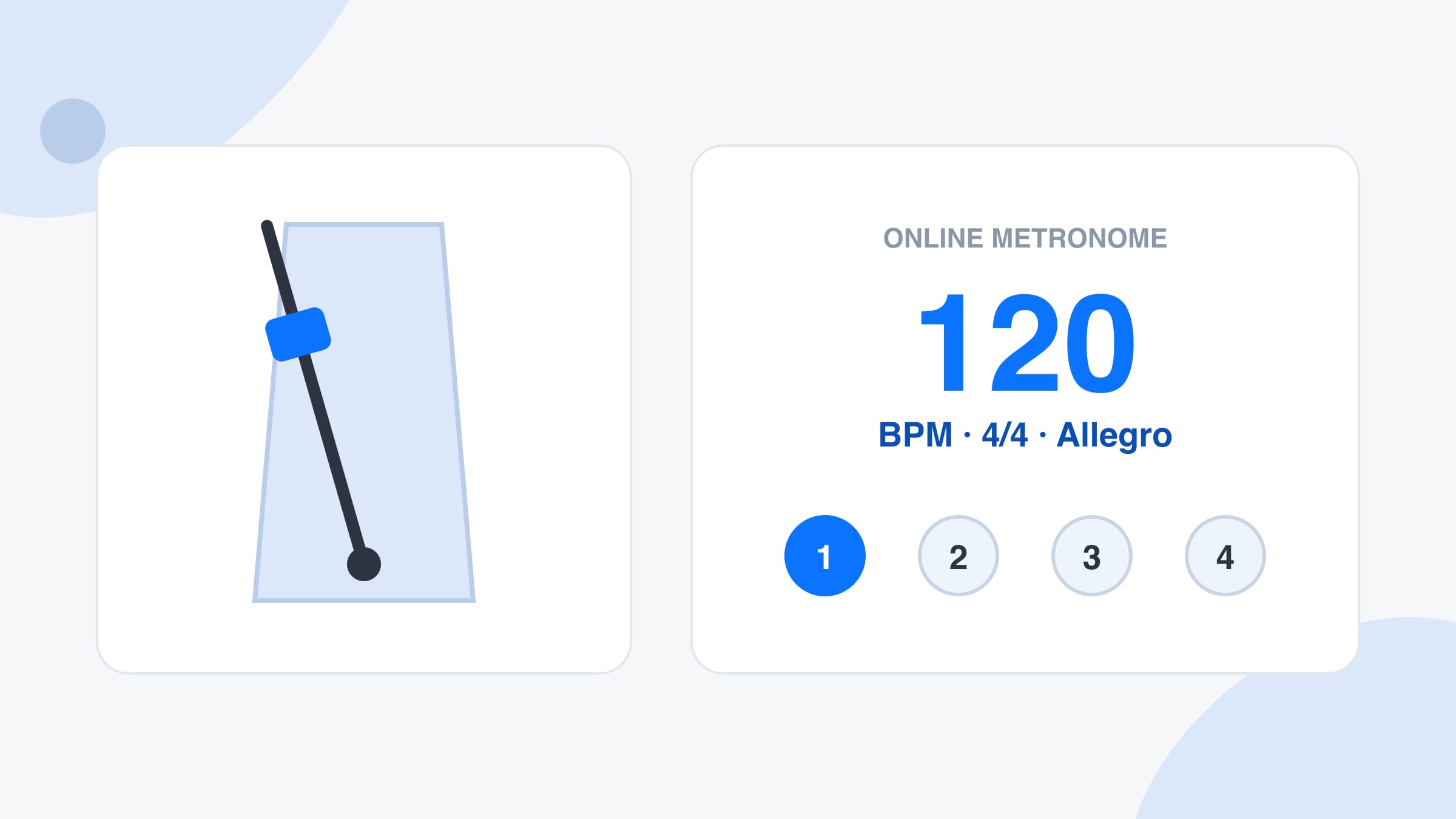
Set any tempo from 20 to 300 BPM, pick a time signature and subdivision, tap along to sync, or export a 4-bar WAV click track. Everything runs locally in your browser.
BPM
Allegro · 500 ms
1234
Stopped. Press Space away from an input to start or stop.
70%
Clicks are scheduled against the Web Audio clock, not screen frames. The exported file is a 16-bit mono WAV at 22.05 kHz using your selected time signature, subdivision and volume.
Features
What this online metronome gives you
Steady Web Audio timing, real time signatures, subdivisions and click-track export without accounts or ads.
Exact 20 to 300 BPM control
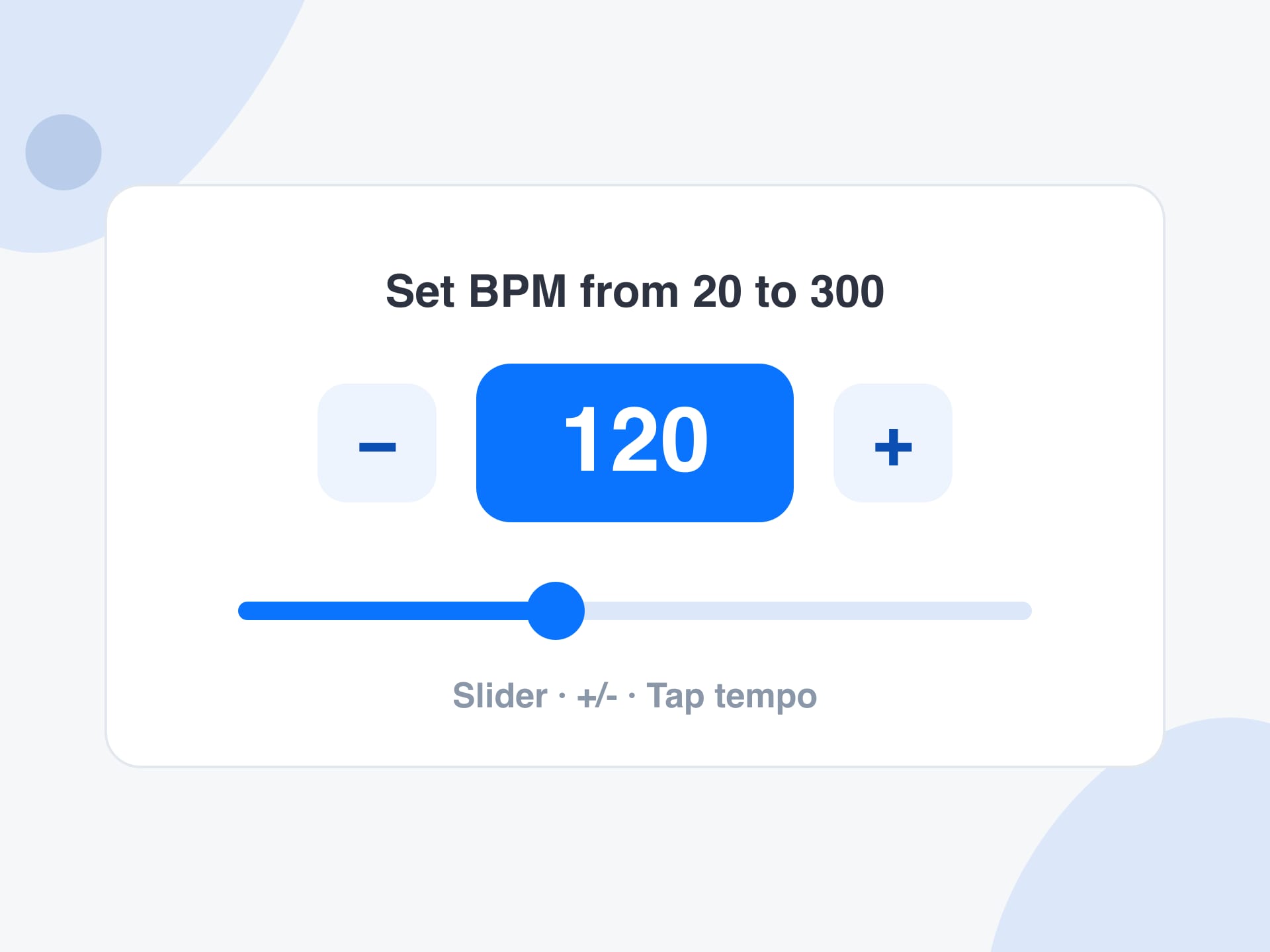
Type any number from 20 to 300 BPM, nudge by 1 BPM with the minus and plus buttons, or drag the slider while the online metronome is running. Every change updates the beat length in milliseconds and the classical tempo marking immediately.
Time signatures and subdivisions
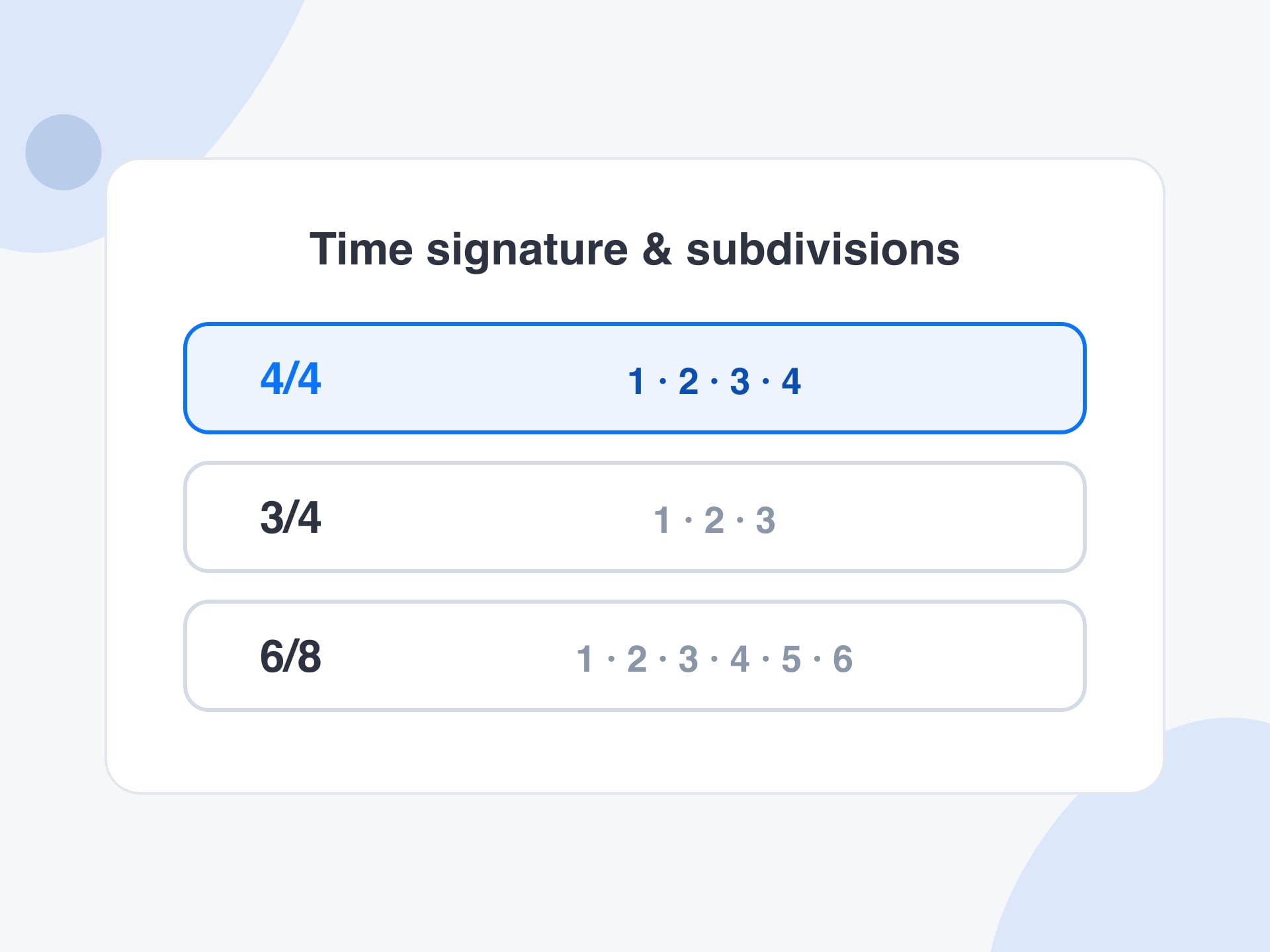
Switch between 1 and 12 beats per bar, pick a quarter-note (/4) or eighth-note (/8) beat unit, and add subdivisions for eighths, triplets or sixteenths. Beat one can carry a higher accent so you hear where every bar begins.
Web Audio clock scheduling
This online metronome schedules clicks ahead on the browser audio clock instead of relying on screen animation timers. That keeps the pulse steady even when you switch tabs or read sheet music below the tool.
Built-in tap tempo sync
Have a tempo in your head or on a recording? Tap the Tap tempo button inside the online metronome and it updates the BPM to match your feel without leaving the page.
Export a 4-bar WAV click track
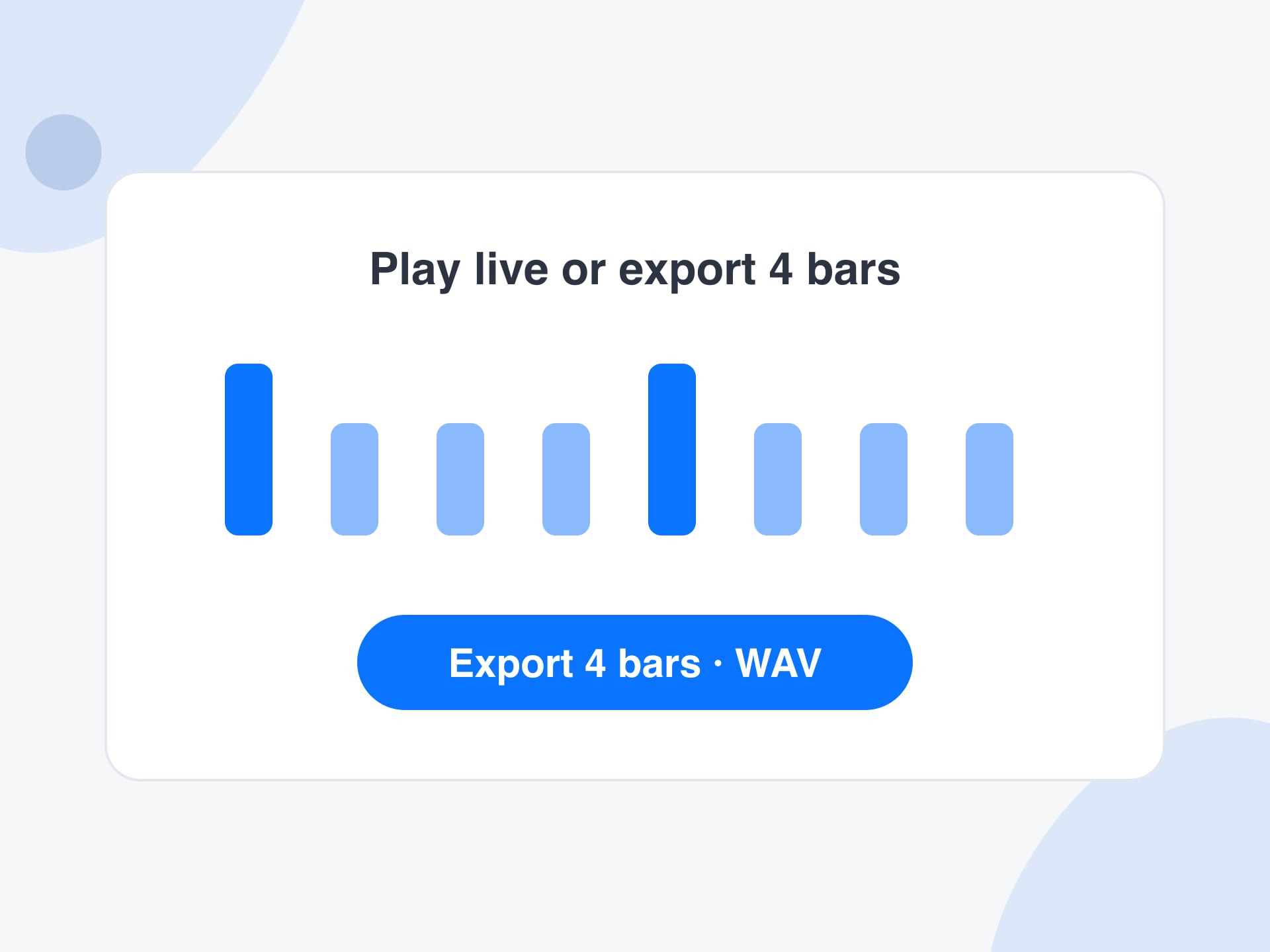
Need a quick count-in or practice loop for a DAW or sampler? Export 4 bars as an uncompressed 16-bit mono WAV at 22.05 kHz using your current BPM, time signature, subdivision and volume.
What it is
What is an online metronome?
An online metronome is a steady beat reference that runs directly inside your web browser. Instead of carrying a mechanical pendulum or paying for a practice app, you set a tempo in beats per minute (BPM), choose a time signature and hear an even pulse while you play guitar, piano, drums, strings or vocals.
Good timing is not only about hitting beat one. Practicing with subdivisions—hearing eighth notes, triplets or sixteenth notes between the main beats—exposes rushing and dragging immediately. This online metronome lets you switch between 1 to 12 beats per bar, /4 and /8 units, and up to four clicks per beat in a couple of clicks.
Because the audio is scheduled on the browser Web Audio clock and never leaves your device, it works cleanly offline once loaded. If you need the exact same click inside a DAW, looper or sampler, the Export 4 bars · WAV button writes a ready-to-loop 16-bit WAV file on the spot. Need to find a song’s BPM before practicing? Measure it on the BPM finder first.
How to use
How to use the online metronome
Step 1
Set your tempo
Type a BPM between 20 and 300, drag the slider, or tap along with the Tap tempo button. The online metronome shows the beat length in milliseconds and the matching tempo marking such as Moderato or Allegro.
Step 2
Pick meter and subdivisions
Choose how many beats belong in each bar (from 1 to 12), set the beat unit to /4 or /8, and select subdivisions if you want eighth notes, triplets or sixteenth notes sounded between the main clicks.
Step 3
Start practicing or export a WAV
Press Start metronome or hit the Space bar to hear the click and watch the beat indicator light up on every count. When you need the same pulse inside a recording session, click Export 4 bars · WAV.
Why use it
Why practice with this online metronome
Clean controls, steady audio-clock timing and useful musical options without clutter.
Starts in one click, no app install
Open the online metronome in any desktop or mobile browser and start clicking straight away. There is no account wall, no plugin download and no intrusive audio ad cutting across your rehearsal.
Clear visual and audio metronome cue
Numbered beat dots light up in sync with the metronome click, with beat one marked distinctly when Accent beat 1 is on. Musicians practicing silently or watching the online metronome from across a stand can still track every bar.
Metronome controls that finish the job
Unlike stripped-down single-click toys, this online metronome covers 3/4 waltzes, 6/8 compound grooves, 5/4 and 7/8 odd meters, triplet subdivisions and offline 4-bar metronome WAV export in one clean card.
Built to pair with BPM measurement
Measure a track with the BPM finder, practice the tricky passage with the online metronome at 80% speed, then raise the metronome BPM step by step. Everything runs locally on your own device.
Tempo markings
Common BPM bands and metronome markings
Traditional Italian markings sit across overlapping ranges rather than one rigid number. Use this table as a practical guide when setting the online metronome for classical, jazz, rock or electronic practice.
Classical tempo markings, typical BPM bands and beat length in milliseconds
Marking
Typical BPM
One quarter note (ms)
Common feel
Grave
20–39
1538–3000
Very slow, solemn passages
Largo
40–59
1017–1500
Broad, sustained slow movements
Adagio
66–75
800–909
Slow, expressive ballads and etudes
Andante
76–107
561–789
Walking pace, mid-tempo hip-hop and pop
Moderato
108–119
504–556
Comfortable medium groove
Allegro
120–155
387–500
Brisk classical, house, pop and rock
Vivace
156–175
343–385
Lively, fast swing and drum & bass
Presto
176–199
302–341
Very fast technical runs
Prestissimo
200–300
200–300
Extreme speed drills and double-time feel
Limits and tips
Metronome practice tips that build real timing
Practice hard passages 15% to 25% slower than target tempo with eighth-note or sixteenth-note subdivisions switched on. Once you play three clean passes in a row, raise the online metronome by 2 to 4 BPM.
Turn off Accent beat 1 in the metronome when working on phrasing across the barline, or set beats per bar to 2 so you feel a wider half-note metronome pulse instead of landing heavily on every quarter note.
For 6/8 grooves, either set 6 beats per bar with an /8 beat unit in the metronome to hear all six eighth notes, or set 2 beats per bar with triplet subdivisions to feel the two big dotted-quarter pulses.
Use headphones when recording acoustic guitar, vocals or drums to the exported 4-bar metronome WAV click track so the metronome click does not bleed into your microphone.
Keep the browser tab awake on phones and tablets while using the online metronome. Mobile operating systems can throttle audio timers if the screen locks, so keep the screen lit during long metronome blocks.
If you want to match a song that is already playing, tap the built-in Tap tempo button four or more times to pull the tempo straight into the online metronome.
Use cases
Who uses an online metronome
Built for daily instrument practice, rehearsal rooms and quick DAW click exports.
Guitar and piano metronome speed building
Locking alternate picking, scales and tricky left-hand shifts to a steady online metronome pulse before speeding up.
Input: A 132 BPM solo section that falls apart at full speed
Setting: Set the metronome to 96 BPM, 4/4, two subdivisions per beat and step up +3 BPM after clean takes
Output: Even note spacing at full 132 BPM without rushing the bar ends
Caveat: Raising the metronome speed before the slower tempo is clean only rehearses mistakes faster.
Drummers practicing odd-meter metronome grooves
Internalizing 5/4, 7/8 or triplet fills without fighting a fixed 4/4 metronome click.
Input: A 7/8 groove at 140 BPM
Setting: Set the online metronome to 7 beats per bar, /8 beat unit and Accent beat 1 enabled
Output: A crisp metronome downbeat marker every seven eighth notes
Caveat: Odd-meter metronome accents only mark beat one; group internal 2+2+3 feel with your hands.
Vocalists and choirs setting metronome count-ins
Establishing the exact BPM with an online metronome before singing an unaccompanied verse or recording a demo.
Input: A 78 BPM acoustic ballad in 3/4
Setting: Set the metronome to 78 BPM, 3/4, play two bars then stop with Space
Output: A consistent starting tempo across rehearsals and takes
Caveat: Acoustic rooms can mask quiet metronome clicks—raise the volume slider or use one earbud.
Producers exporting a 4-bar metronome WAV loop
Dropping a tight 4-bar metronome click track into a hardware sampler, looper pedal or scratch recording.
Input: A 124 BPM house sketch in 4/4 with eighth-note subdivisions
Setting: Set the online metronome to 124 BPM, 4/4, 2 per beat, click Export 4 bars · WAV
Output: A clean 16-bit mono metronome WAV file ready to loop on the grid
Caveat: The metronome export is fixed to 4 bars at 22.05 kHz mono; loop it inside your DAW for longer stems.
More tools
Keep going with these tools
Each one runs in your browser too, so you can move from one job to the next without uploading anything.
Slow down a real song without changing its pitch so you can rehearse the recording itself before switching to a bare click.
FAQ
Online metronome questions
What is an online metronome?
An online metronome is a browser tool that produces a steady, adjustable beat in beats per minute (BPM) so musicians, singers, dancers and producers can practice in time without buying hardware or installing an app.
How accurate is this online metronome?
The clicks are scheduled ahead of time on the Web Audio API hardware clock rather than JavaScript screen timers. That avoids visual frame jitter, though heavy CPU spikes or putting a phone screen to sleep can still interrupt browser audio.
What BPM range does the metronome support?
You can set any whole tempo from 20 BPM up to 300 BPM. That covers slow Grave etudes, standard pop and rock tempos, fast jazz swing and double-time technical drills.
How do I set 3/4, 6/8 or odd time signatures like 5/4 and 7/8?
Use Beats per bar to pick any count from 1 to 12, then set Beat unit to Quarter note (/4) or Eighth note (/8). For a waltz pick 3 and /4; for 6/8 pick 6 and /8; for 7/8 pick 7 and /8.
What do subdivisions do in a metronome?
Subdivisions place softer clicks evenly between the main beats: 2 per beat plays eighth notes, 3 per beat plays triplets and 4 per beat plays sixteenth notes. Hearing subdivisions helps stop rushing or dragging on slow tempos.
Can I turn off the accent on beat one?
Yes. Uncheck Accent beat 1 and every main beat will play at the same pitch and volume. That is useful when practicing syncopated rhythms or feeling clicks on beats two and four.
How does the Export 4 bars · WAV button work?
It renders four exact bars of your current BPM, time signature, subdivision, accent and volume directly inside your browser and downloads a 16-bit mono WAV file at 22.05 kHz. Nothing is uploaded to a server.
Can I tap a tempo directly inside the online metronome?
Yes. Click or tap the Tap tempo button in time with a song or the beat in your head. After two or more taps the metronome updates its BPM automatically, and four or more taps give a steadier number.
Does the Space bar start and stop the metronome?
Yes. When the metronome is on screen and your cursor is not inside a text field, select menu or button, pressing Space starts or stops the click immediately.
Why does the metronome stop if I lock my phone?
iOS and Android browsers pause web audio pages to save battery when the screen locks or another app takes over audio focus. Keep the browser tab open and the screen awake while practicing.
What is the difference between this online metronome and Tap Tempo?
Tap Tempo is built to measure an unknown tempo by tapping along to music. This online metronome is built to hold a chosen BPM with time signatures, subdivisions, visual beat lights and 4-bar WAV export.
Is this online metronome free and does it need a microphone?
It is completely free with no signup, no credits and no microphone permission required. Everything runs locally in your browser.
Lock in your tempo
Pick a BPM, set your meter and subdivisions, and press Space to start the online metronome.