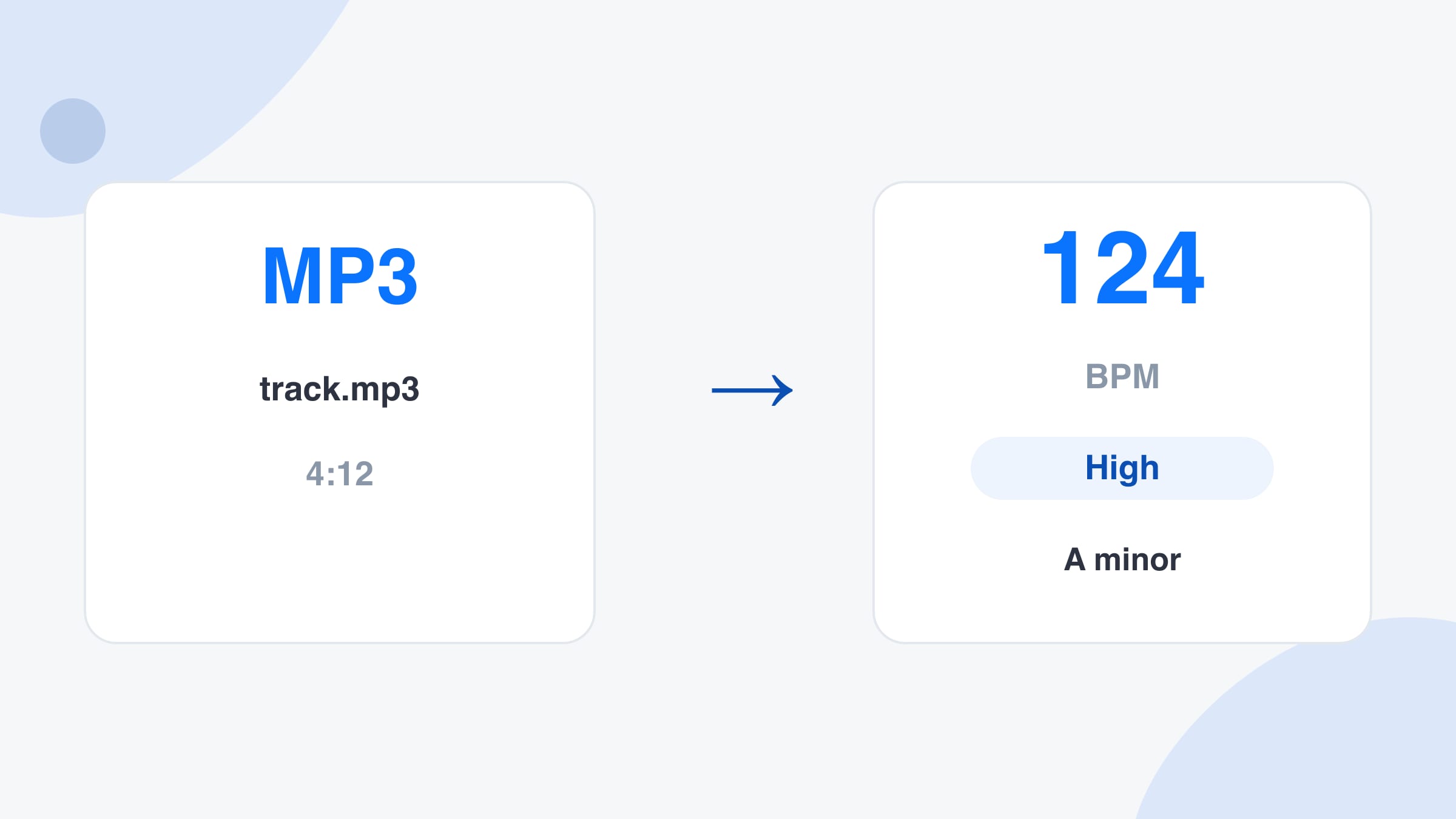
Drop an MP3 to read its tempo in beats per minute, with the key beside it. This MP3 BPM finder opens on the file drop, runs in your browser, and takes up to 50 files.
Drop songs here to find their BPM and key
MP3, WAV, FLAC, M4A, AAC, OGG. Up to 50 files, 100 MB each.
Choose audio files
No file handy?
--BPM
Tap along to the beat. Four or more taps give a steady reading.
Play the music near your device and press start. The audio is analysed in this tab and never recorded or sent.
--BPM
Locked
Not listening yet.
Playing a song in another browser tab, such as YouTube, SoundCloud or a web player? Share that tab and tick “Share tab audio”. Nothing is downloaded or uploaded, the sound is analysed right here.
--BPM
Locked
Not sharing yet.
Tab audio needs desktop Chrome, Edge or another Chromium browser. On other browsers use Upload or Microphone.
Analysed on this device
Audio never uploaded
No account
--BPM
0
confidence
0:00 / 0:00
Results
Check the beat grid
0:00
-- BPM
Play the song with the click on. Clicks that land on the beat mean the BPM is right. If they feel twice as fast or half as fast, press ÷2 or ×2. Space plays and pauses.
Features
What this MP3 BPM finder reads from a file
This MP3 BPM finder treats upload as the front door. Tempo, confidence, key and a beat grid come back from the same pass.
Tempo read from the file you saved
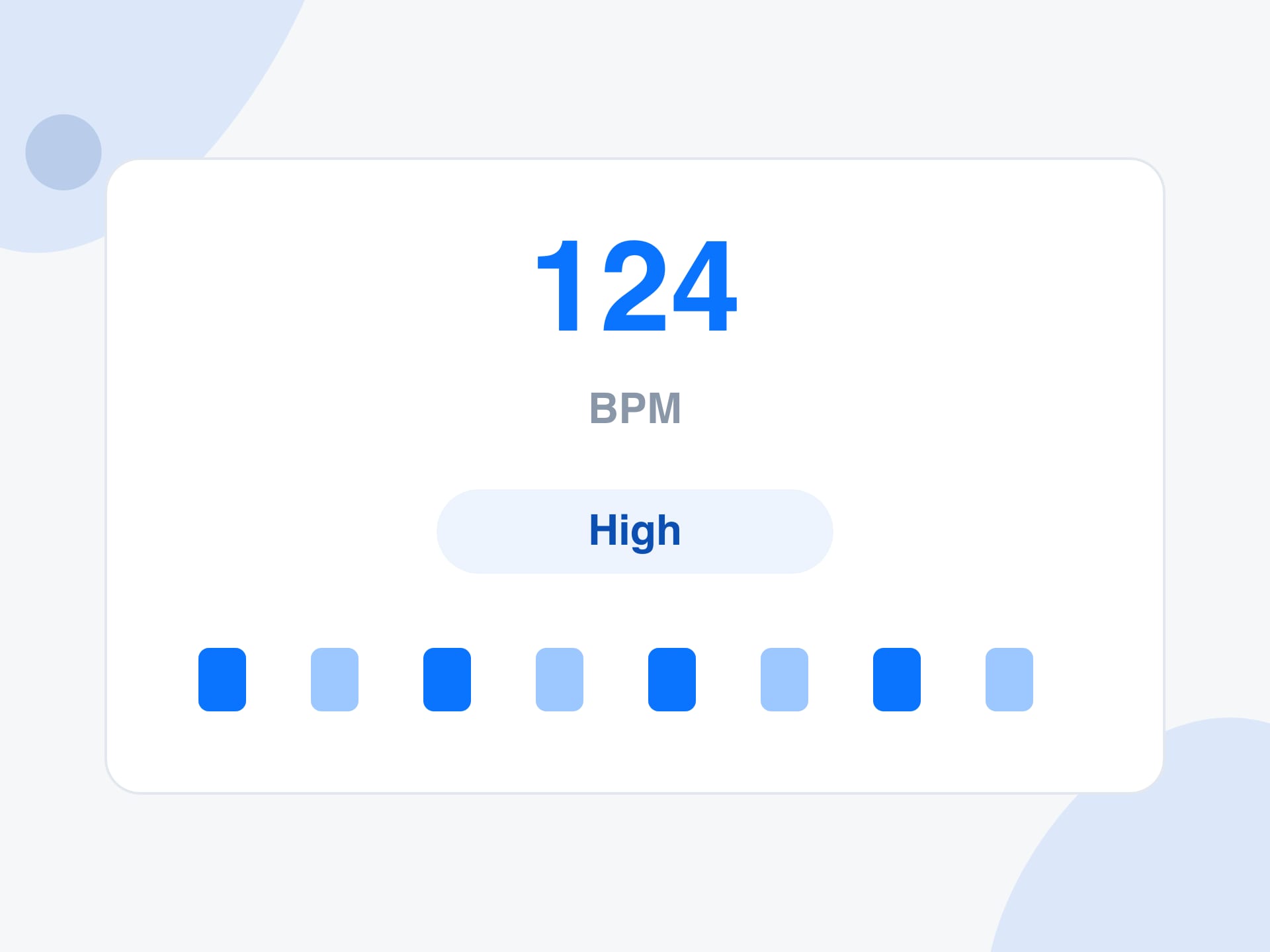
Drop an MP3 and this MP3 BPM finder measures the pulse in that recording. You get beats per minute, a High, Medium or Low confidence label, and half-time and double-time buttons when the count could sit an octave away.
A folder, one row per song
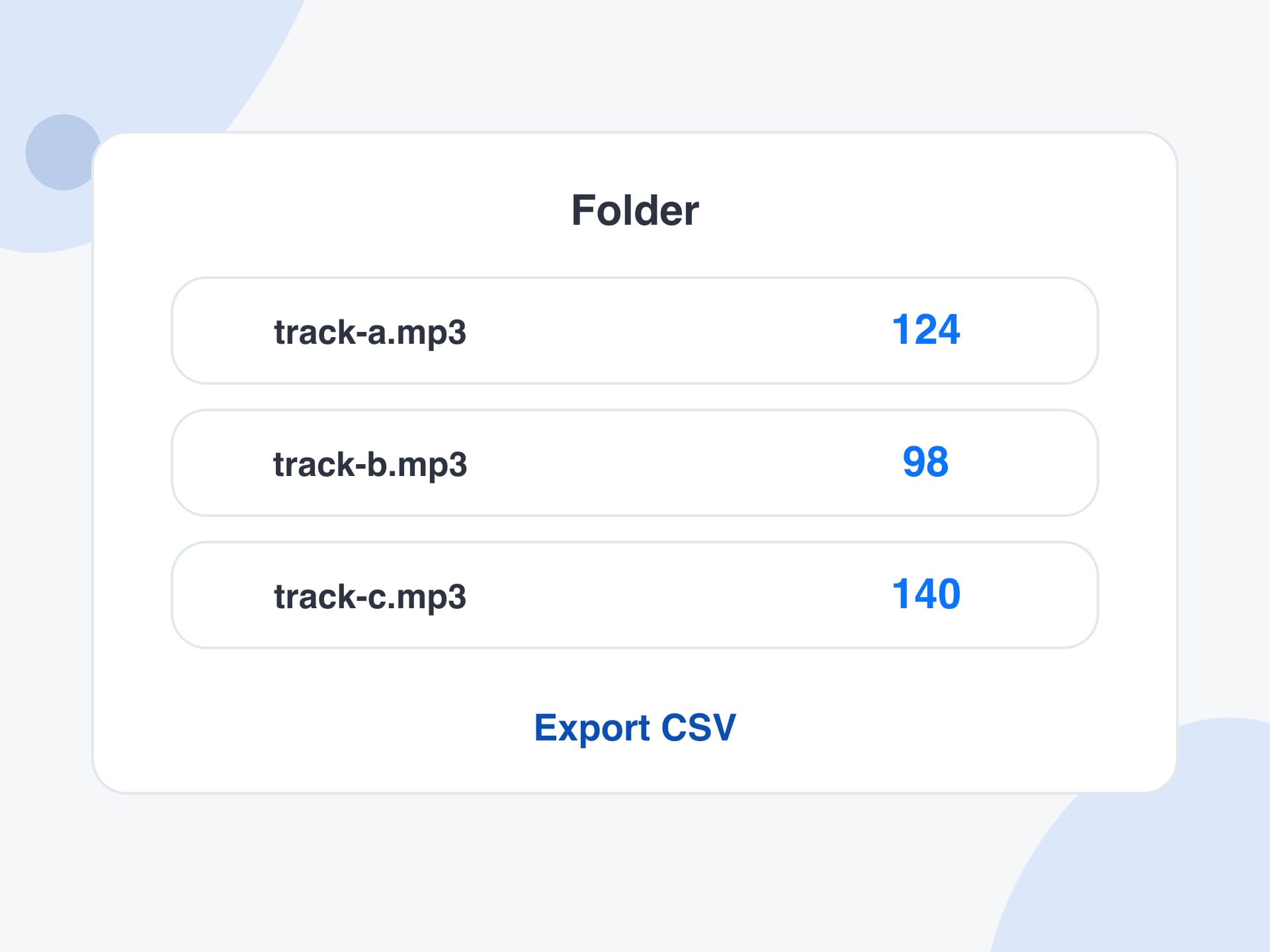
Select up to 50 audio files, 100 MB each. Every row shows the file name, the tempo, the length and the key. Copy the table, or export a CSV when you want to sort a crate in a spreadsheet before a set.
Key and Camelot beside the BPM
Matching a sample or blending two tracks needs a key as well as a speed. The same pass estimates the musical key and the Camelot code. Key detection is still marked beta, so treat it as a hint and confirm a risky blend by ear.
Microphone, tab or tap when there is no file
The page opens on the upload tab because a saved file is the job. Microphone and tab audio are there for music you can only hear, and the tap pad is there when you want to count the beat yourself. A web address is not an input.
The count stays in this browser tab
Decoding and tempo detection run on your device. The file stays where you saved it, there is no account to create, and there is no daily cap. Close the tab and the audio goes with it.
What it is
What is an MP3 BPM finder?
An MP3 BPM finder tells you how fast a recording is by listening to a file you already have, then reporting that speed in beats per minute. The count on this page happens in your browser. It looks for the repeating pulse of drums and bass, then shows the tempo, a confidence label and a beat grid you can play against the track.
People also type bpm finder MP3, or bpm finder upload MP3, when the track is already saved and a catalogue lookup would miss it. A lookup can only name songs it stores. A file reader also works on demos, DJ edits, stems and a rehearsal recording. If you searched for an MP3 tempo finder, or an MP3 file BPM finder, you want this same number from the file.
A song that is only playing in another browser tab can be measured with Tab audio on a desktop. Share the tab, leave the sound on, and the same engine listens. The BPM finder keeps upload, tap, microphone and tab together. The tempo finder adds the classical speed word, and the key finder leads with Camelot. This MP3 BPM finder stays on the file.
How to use
How to use this MP3 BPM finder
Step 1
Drop the MP3
Drag the file onto the drop area, or press Choose audio files and pick one song or a batch. MP3, WAV, FLAC, M4A, AAC and OGG open when your browser can decode them. This MP3 BPM finder starts on upload so a saved file is the first thing on screen.
Step 2
Read the tempo, then hear the grid
Each file gets a large BPM, the length, the key and a confidence label. Press play on the beat grid. Clicks that sit on the drums mean the tempo locked. If the groove feels twice as slow or twice as fast, press the half or double button and listen again.
Step 3
Keep the numbers for the whole folder
When the MP3 BPM finder finishes, copy one result, copy the batch, or export a CSV with the file name, BPM, half time, double time, key, Camelot code and confidence. Sort that sheet before a gig, or hand it to someone programming drums to the track.
Why use it
Why use this MP3 BPM finder
What you get from measuring the file itself, on the device you already have.
It reads your recording, not a catalogue
An MP3 BPM finder earns its place when the song is not in a public list. Unreleased mixes, sample packs, stems and a rehearsal recording still have a tempo, and this page reads that tempo from the sound.
A crate comes back as a sheet
Checking songs one by one is slow when you are building a set or labelling a sample folder. The batch runs in order, with a progress row for each file, and the CSV is something you can sort by tempo or by key.
You can hear whether the number locked
A tempo figure is only useful if the clicks land on the beat. The grid plays against the file, so you can accept the reading, nudge it, or flip to half time or double time in a few seconds.
The edges are stated up front
Clips shorter than four seconds and silent files come back with a plain message. The comfortable range is about 60 to 200 BPM. Half and double cover the usual case where a fast song is counted at half speed.
Reference
What each result field is for
Every file comes back as one row. These are the fields that matter when you are matching a drum machine, labelling a crate, or checking the count by ear.
Result field, what it shows, and how to use it
Field
What you see
How to use it
BPM
Beats per minute
Match a drum machine, a metronome count, or the next track
Half / double
Buttons for half and double time
Use when the groove feels an octave away from the number
Confidence
High, Medium or Low
Listen to the grid when the label is not High
Key
Key name and Camelot code
A beta hint for mixing. Confirm a risky blend by ear
Beat grid
Clicks on the waveform
Play it. Clicks on the drums mean the tempo locked
CSV
One row per file
Sort a folder by tempo or by Camelot code
Limits and tips
MP3 tempo tips and the real limits
Analyse a stretch with steady drums. A long beatless intro, an ambient pad or a spoken-word file gives the reader little pulse, so a Low confidence label there is an honest result.
Dance music is often counted two ways. Drum and bass near 174 BPM can come back near 87. Press double time, play the grid, and keep the count that sits on the kick.
Songs that speed up, slow down, or change tempo get one reading for the whole file. Check the chorus if that is the section you need to match.
Very long files are measured from a slice in the middle, which is enough for a song that stays at one speed. Files over 100 MB are turned away with a plain message.
Microphone and tab capture need a loud, clean source. Room noise and small laptop speakers blur the pulse. The first reading needs about six seconds of music.
Tab audio needs desktop Chrome or Edge, because a phone cannot share the sound of another tab. On a phone, use the file drop, the tap pad or the microphone.
Key is still beta. Relative major and minor share the same notes, so the name can lean the wrong way. Use the Camelot neighbours as a shortlist, then trust the blend you hear.
To write a new file at another tempo while the pitch stays put, take the BPM you just read and open the BPM changer. This page only measures.
Use cases
Who brings a file to an MP3 BPM finder
Four jobs, each with the file you start from, the setting, and the result you leave with.
A DJ labelling a crate of MP3s
Sorting tracks by tempo and key the afternoon before a night, instead of auditioning every file in the decks.
Input: A folder of about 30 MP3 files
Setting: Drop them together, export the CSV, and sort by BPM and Camelot code
Output: A sheet with tempo, key, Camelot code and confidence for every file
Caveat: Flip half or double on swing and drum and bass before you trust the sort.
A producer matching a sample pack
Finding the tempo of loops so new drums and bass land on the same grid.
Input: WAV or MP3 loops from a pack
Setting: Upload the loops and read the BPM, then set the session tempo to match
Output: A tempo per loop, plus a key hint for tonal material
Caveat: A one-bar drum hit can be too short. Bounce a few repeats first.
A teacher timing a classroom track
Finding a steady count for clapping, conducting, or a movement exercise.
Input: An MP3 of the piece the class will hear
Setting: Drop the file and read the BPM, then use half time if the count feels rushed
Output: A beats-per-minute figure the class can clap
Caveat: Rubato and classical music with no drum pulse may stay on Low confidence.
A band checking a rehearsal recording
Reading the tempo of a phone recording so the next practice starts at the same speed.
Input: An M4A or MP3 recorded in the room
Setting: Upload it and play the beat grid against the chorus
Output: A BPM to write on the chart, with half and double if the count feels off
Caveat: Crowd noise and talk between songs can pull the reading. Trim to the song first.
More tools
Keep going with these tools
Each one runs in your browser too, so you can move from one job to the next without uploading anything.
Stretch a file to a new tempo, keep the pitch, and download a WAV.
FAQ
MP3 BPM finder: frequently asked questions
What is an MP3 BPM finder?
An MP3 BPM finder measures the tempo of an audio file you already have and reports it in beats per minute. This one also shows a confidence label, half and double time, a playable beat grid, and a beta estimate of the musical key.
How do I get the BPM of a song I saved as an MP3?
Open this page, drop the MP3 on the upload area, and wait for the row to finish. Read the BPM, then press play on the beat grid. If the clicks miss the drums by an octave, press half or double and listen again.
Is this MP3 BPM finder online, and does my file stay on my computer?
Yes, it runs online in the browser tab you already have open, and the analysis stays on that device. The file is decoded locally. Nothing is sent away to be stored, and you do not create an account.
Which formats can I drop in besides MP3?
WAV, FLAC, M4A, AAC and OGG work alongside MP3, and so does the audio track of a common video file when your browser can decode it. If a file fails to open, convert it to WAV or MP3 and drop it again.
Can I check a whole folder at once?
Yes. Drop up to 50 files in one go, each up to 100 MB. They are read one after another. When the batch finishes, copy the table or export a CSV with the file name, BPM, key, Camelot code and confidence.
Why is the tempo half of what I count?
Some styles are easy to count at two speeds. A song you feel at 140 BPM can be reported at 70, or the other way around. That is an octave choice, not a broken file. Press double or half and keep the count that matches the kick.
Does the result include the musical key?
Yes. Beside the BPM you get a key name and a Camelot code. Key detection is marked beta because relative major and minor share notes and can be confused. Use it as a shortlist, then confirm the blend by ear.
Can I paste a YouTube or Spotify link to find the BPM?
Paste a file instead. A streaming link would need a server to fetch the audio, and this page keeps the work in your browser. On desktop Chrome or Edge, play the track in a tab, open Tab audio, and share that tab.
Does it work on a phone?
File upload, the tap pad and the microphone work on a phone when the mobile browser allows them. Tab audio is limited to desktop Chrome and Edge, because a phone cannot share the sound of another tab.
What does High, Medium or Low confidence mean?
High means the pulse was steady and easy to lock. Medium means you should play the beat grid before you rely on it. Low means the file had little rhythm, a tempo change, or a lot of noise, so listen and decide yourself.
Is the MP3 BPM finder free?
Yes. There is no signup, no credit counter and no watermark. The work happens on your own device, so there is no server queue and no daily allowance to run out.
What should I do when the clicks drift off the beat?
Play the grid and listen. If every click is early or late by the same amount, try half time or double time first. If the song itself changes speed, the single reading is only an average, and the chorus is the section to judge.
Ready to read a tempo from an MP3?
Drop one file or a folder of files into the MP3 BPM finder. The tempo shows up in this tab, and the audio stays on your device.