
BPM to ms in one step
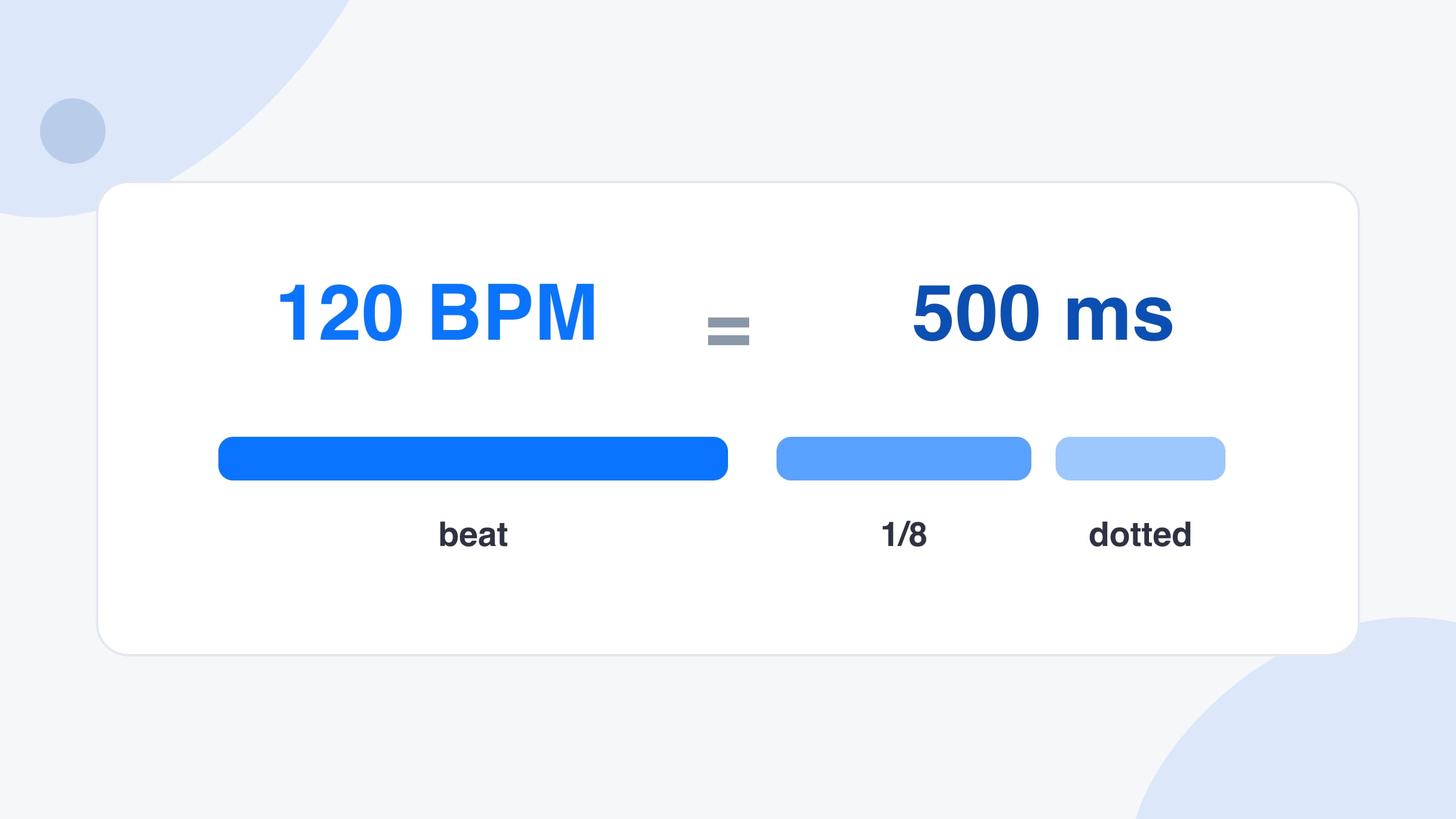
Type a tempo and the BPM to ms converter fills the length of one beat. 120 BPM is 500 ms. 128 BPM is 468.8 ms. The two boxes stay in step, so you can start from either number.
Free · No signup · Audio stays on your device
Turn a tempo into milliseconds per beat, or turn a delay time back into BPM. The note table lists straight, dotted and triplet lengths you can copy into a delay.
Count the beats you hear over a few seconds. More beats make a steadier answer.
Type either box. The other one follows, so you can go from a delay time to a tempo and back.
Know how many bars a loop or sample has and how long it lasts? That is enough to find the tempo.
Pick two tempos to see how much faster or slower the track must play, and how far its pitch moves if you change speed without time-stretching. To hear that change with the pitch kept, open the BPM changer.
Tempo
--BPM
Fill in the boxes above.
| Note | Straight | Dotted | Triplet |
|---|
Use these as delay times, LFO rates or the length of a gate. Tap a number to copy it.
Features
One beat, the shorter notes, and the reverse sum from a delay time. The page opens on that job.
Type a tempo and the BPM to ms converter fills the length of one beat. 120 BPM is 500 ms. 128 BPM is 468.8 ms. The two boxes stay in step, so you can start from either number.
A delay plugin that shows 375 ms is a tempo as well as a time. Divide 60,000 by that time and you get the BPM. Type the milliseconds and this page shows the tempo.
Under the result, every note length is listed in milliseconds: whole notes down to thirty-second notes, each one straight, dotted and as a triplet. Tap a cell to copy it into a delay.
The result line shows milliseconds per beat and beats per second, so you can see that 90 BPM is 666.7 ms and 1.5 beats each second. Nothing is rounded into a chart you cannot check.
What it is
BPM to ms means the length of one musical beat in milliseconds. BPM is beats per minute, so the beat length is one minute divided by the tempo. One minute is 60,000 milliseconds, and 60,000 divided by 120 BPM is 500 ms. That single number is what a delay, a gate or a tremolo needs when it asks for time instead of a note value.
The same sum runs backwards. If a pedal is set to 375 ms and you want the tempo, 60,000 divided by 375 is 160 BPM when 375 ms is the whole beat, or 120 BPM when 375 ms is a dotted eighth. This page keeps both boxes live so you can start from the number you actually have.
It is a different page from the BPM finder. The finder listens to a file and measures a tempo. BPM to ms does not listen. You type a tempo, or a time, and it does the arithmetic. Once you have a BPM from the finder or from tap tempo, this is the page that turns it into delay times.
How to use
Step 1
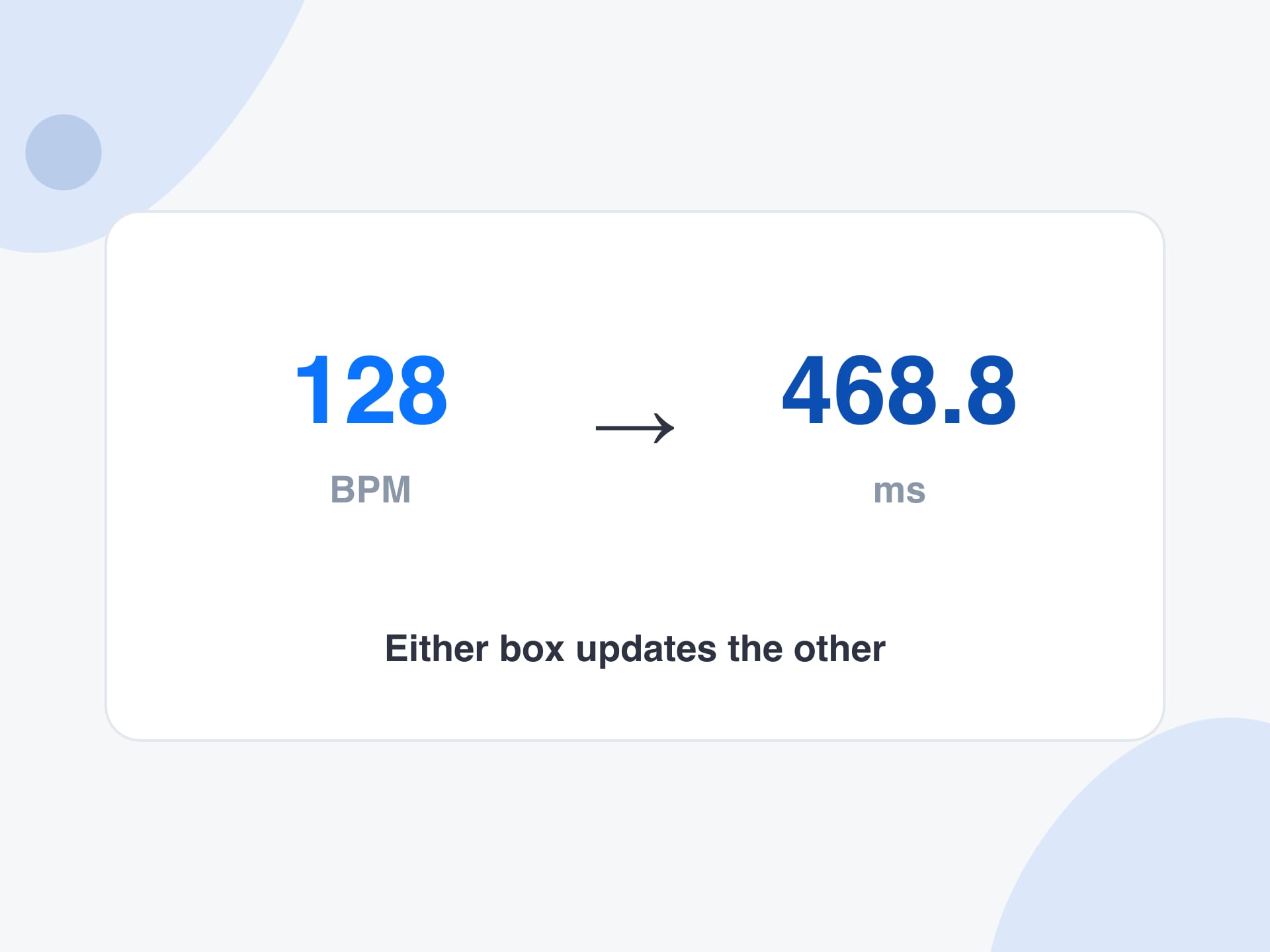
Put the song tempo in the BPM box. If you only have a delay time, put that in the milliseconds box instead. The other box updates as you type.
Step 2
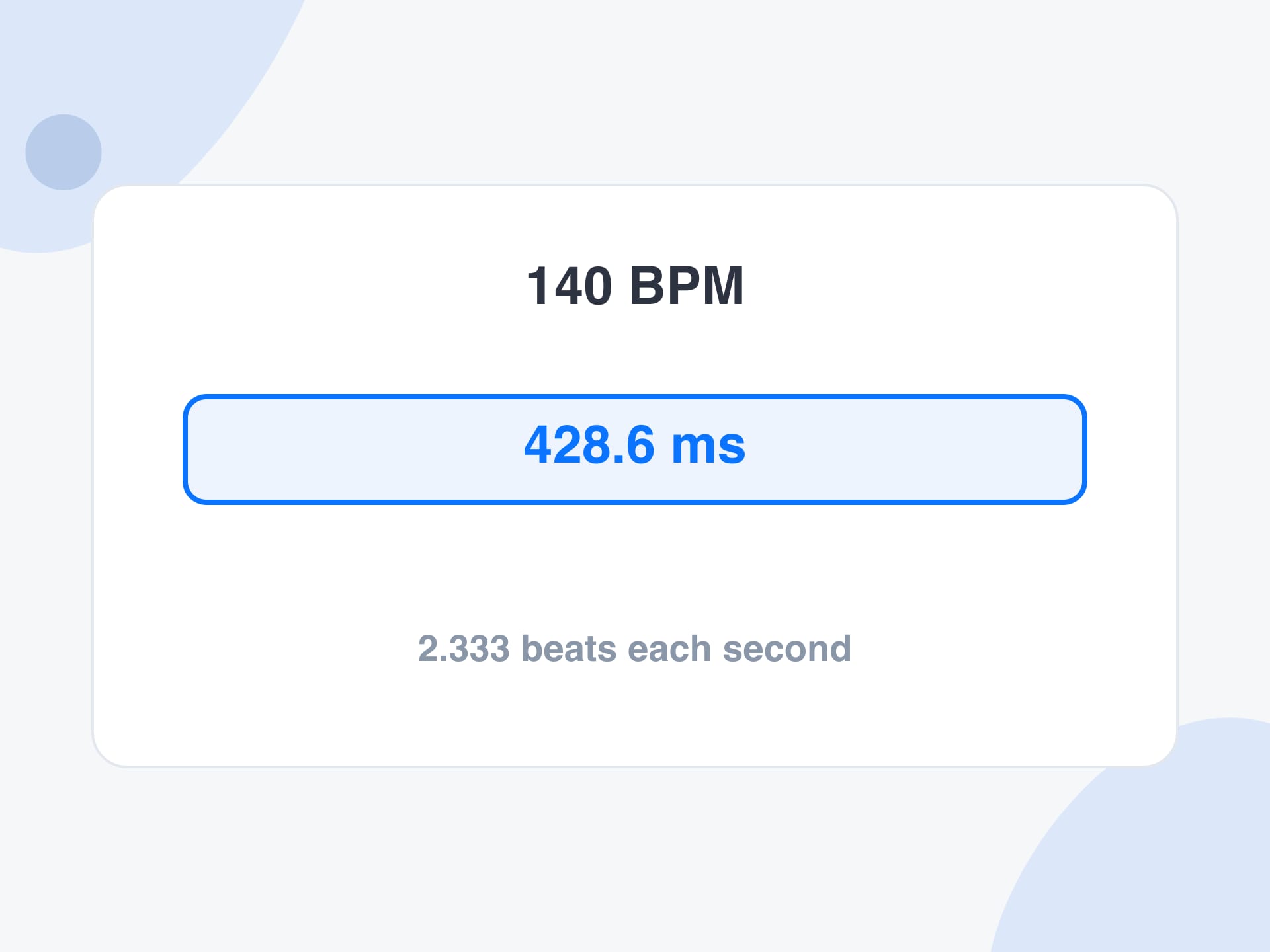
The BPM to ms result is 60,000 divided by the tempo. At 140 BPM one beat lasts 428.6 ms. Beats per second sit on the same line, so 140 BPM is 2.333 beats each second.
Step 3
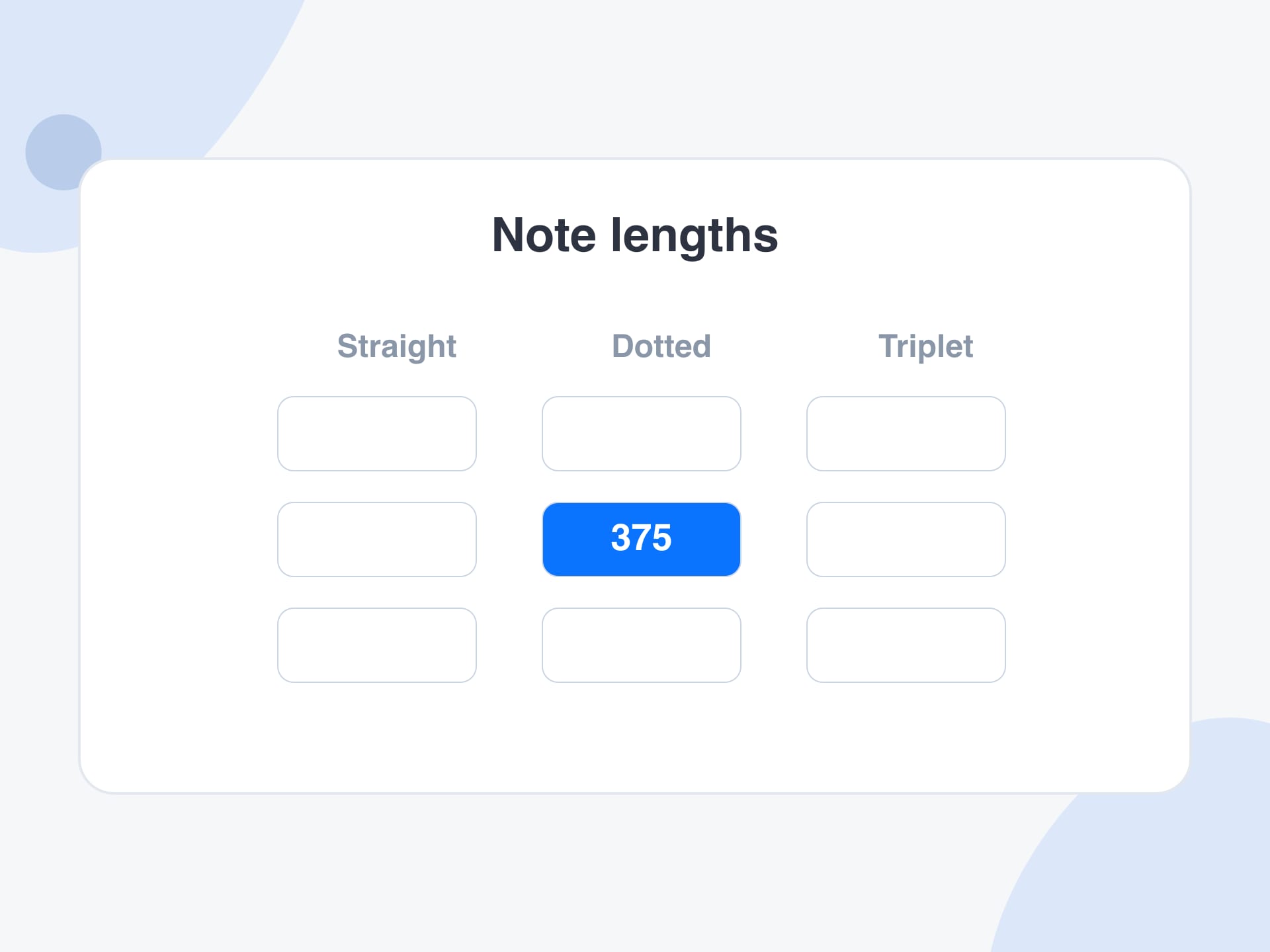
Use the table for the delay you actually want. A dotted eighth at 120 BPM is 375 ms. A quarter-note triplet at 100 BPM is 400 ms. Tap the number and paste it into the plugin.
Why use it
The formula is short. The useful part is having every note length, in both directions, without a second chart.
Printed BPM to ms charts stop at round tempos. A song at 96.5 BPM or 173 BPM is just another number here, and the note table follows it.
Producers start from a project tempo. Someone matching a tape delay starts from milliseconds. The same page does BPM to ms and ms to BPM.
Straight notes lock to the grid. Dotted notes give the rolling echo. Triplets fit three delays where two would usually go. The columns are those three families.
There is no audio on this page. The arithmetic runs in the browser, so a tempo you type is not sent anywhere.
Reference
One beat in milliseconds is 60,000 divided by the BPM. An eighth note is half of that. A dotted eighth is three quarters of the beat.
| BPM | Quarter note | Eighth note | Dotted eighth |
|---|---|---|---|
| 90 | 666.7 ms | 333.3 ms | 500.0 ms |
| 100 | 600.0 ms | 300.0 ms | 450.0 ms |
| 120 | 500.0 ms | 250.0 ms | 375.0 ms |
| 128 | 468.8 ms | 234.4 ms | 351.6 ms |
| 140 | 428.6 ms | 214.3 ms | 321.4 ms |
| 174 | 344.8 ms | 172.4 ms | 258.6 ms |
Limits and tips
Use cases
Anyone who has a tempo and needs a time, or a time and needs a tempo.
Turning the session tempo into a delay time that lands on a note, using BPM to ms instead of guessing the knob.
Input: A session at 124 BPM and a dotted-eighth delay
Setting: Type 124 and copy the dotted eighth from the table
Output: 363.0 ms, ready to paste into the delay
Caveat: If the plugin has a note-sync switch, you can skip the milliseconds and pick the note directly.
A pedal shows a time in milliseconds and the session needs the tempo that matches it.
Input: A delay set to 450 ms
Setting: Type 450 in the milliseconds box
Output: 133.33 BPM, which is the quarter-note tempo of that delay
Caveat: If the pedal was set to an eighth note, double the BPM before you treat it as the song tempo.
Seeing how long one beat and one bar last at a practice tempo.
Input: A practice tempo of 80 BPM in 4/4
Setting: Type 80 and read milliseconds per beat
Output: 750 ms per beat, so a bar lasts 3 seconds
Caveat: Count the same beat the metronome is clicking, or the bar will be half or double.
Converting a music tempo into milliseconds so cuts can sit on the beat.
Input: A track at 100 BPM
Setting: Type 100 and use the quarter-note time
Output: 600 ms between beats
Caveat: At 24 frames a second, 600 ms is 14.4 frames, so the cut still needs a frame choice.
More tools
Each one runs in your browser too, so you can move from one job to the next without uploading anything.
The wider calculator: beats and time, loop length, and a speed-change percentage.
Measure the tempo of a file first, then bring the BPM here for the millisecond table.
Change a song to a new tempo and keep the pitch, then download a WAV.
Tap the beat when you can hear the song but do not have the file.
FAQ
Divide 60,000 by the BPM. That is the length of one beat in milliseconds. 120 BPM is 60,000 / 120 = 500 ms. 90 BPM is 666.7 ms. This page does the division as you type and then fills the shorter notes as well.
Divide 60,000 by the milliseconds. A beat of 500 ms is 120 BPM. A beat of 428.6 ms is about 140 BPM. Type the time in the milliseconds box and the BPM box follows.
Milliseconds per beat = 60,000 / BPM. BPM = 60,000 / milliseconds. An eighth note is half the beat, a sixteenth is a quarter of the beat, a dotted note is 1.5 times the straight note, and a triplet is 2/3 of the straight note.
One beat at 120 BPM lasts 500 ms. An eighth note is 250 ms, a sixteenth is 125 ms, and a dotted eighth is 375 ms. Those are the delay times most people copy from a 120 BPM session.
One beat at 128 BPM lasts 468.75 ms, which this page shows as 468.8 ms. An eighth note is 234.4 ms and a dotted eighth is 351.6 ms. House and techno sessions often sit near this tempo.
Convert BPM to ms for one beat, take half of that for the eighth note, then multiply by 1.5. At 100 BPM the beat is 600 ms, the eighth is 300 ms, and the dotted eighth is 450 ms. The table already has that column.
Yes. A triplet note lasts two thirds of the straight note of the same name. At 120 BPM a quarter-note triplet is 333.3 ms and an eighth-note triplet is 166.7 ms. Use the triplet column, not the dotted one.
It is the milliseconds part of the BPM calculator, opened on its own so the delay table is the first thing on the page. The full calculator also works from a beat count or a loop length. Use that page when you do not already know the tempo.
No. BPM to ms converts a number you already have. To measure a file, use the BPM finder. To tap along to a speaker, use tap tempo. Bring the result back here when you need milliseconds.
The usual causes are counting the song at half time, treating an eighth-note delay as a quarter note, or leaving a little pre-delay in the plugin on top of the note time. Check the BPM, then check which note the table cell is.
The boxes accept 1 to 1000 BPM. A blank box or a zero shows no result, so a slip does not turn into a fake tempo. Musical delays are usually between about 60 and 200 BPM.
Yes. It runs in the browser with no account and no upload. You can convert as many tempos as you need and copy any cell in the note table.
Type a BPM or a delay time. Copy the note length you need. The arithmetic stays in your browser.
Convert BPM to msYour feedback helps us make SongBPMFinder.com better.

Thank you for your feedback