
The BPM changer keeps the pitch
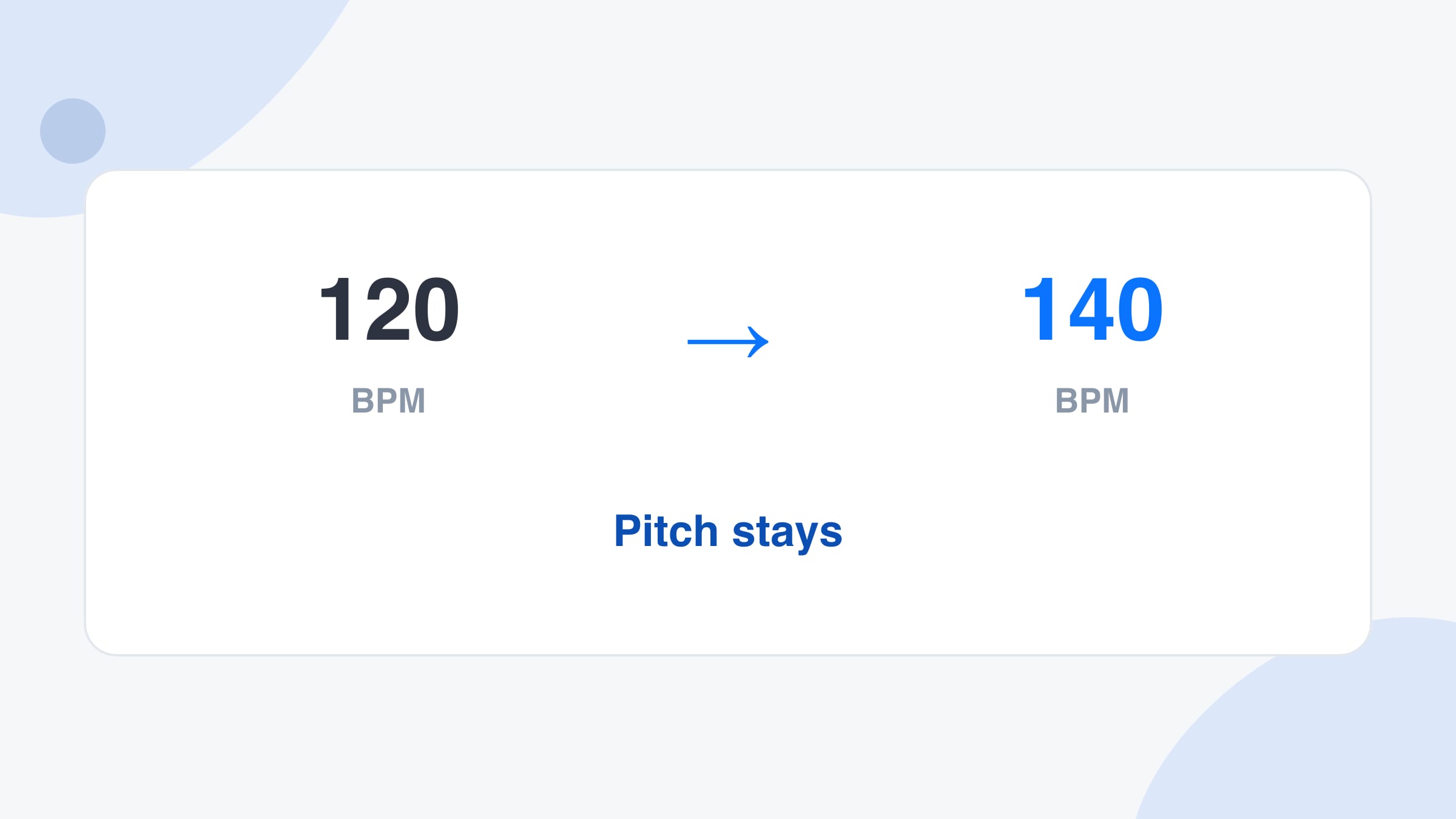
The BPM changer time-stretches the song. 120 BPM can become 100 BPM without the vocal dropping, or 140 BPM without the vocal turning thin. Speed and pitch are separated.
Free · No signup · Audio stays on your device
Change the BPM of a song and keep the pitch. Drop a file, set the tempo you want, play the result, and download a WAV. The stretch stays on this device.
Drop one song here
MP3, WAV, M4A, FLAC or OGG. Up to 4 minutes and 25 MB. It is read on this device.
No file yet.
Drop a song to read its tempo, then type the tempo you want.
Features
One ratio for the whole file, pitch held, with a WAV at the end.
The BPM changer time-stretches the song. 120 BPM can become 100 BPM without the vocal dropping, or 140 BPM without the vocal turning thin. Speed and pitch are separated.
Drop the file and the BPM changer estimates the tempo with the same engine as the BPM finder. If the guess is half or double what you feel, type the count you mean before you set the target.
After the stretch you can play the result in the browser. If the groove smears, move the target closer and run it again. Download only when it sounds right.
The download is a 16-bit WAV at 44.1 kHz, stereo when the file was stereo. There is no account, and the song is not uploaded to make the change.
What it is
A BPM changer takes a recording and plays it at a different tempo. In the BPM changer the pitch stays where it was, so a faster song does not sound higher and a slower song does not sound lower. That is time-stretching: the timing changes, the notes do not.
You drop one audio file. The page estimates the current BPM, you type the BPM you want, and a worker in the browser builds the new audio. You can play it immediately and download a WAV. The original file is left alone.
It is not a link fetcher and not a DAW. A YouTube or Spotify address will not load. A project tempo inside another app is not edited from here. If you only need the percentage, or the pitch shift of a speed change that does not stretch, the BPM calculator shows those numbers without making a new file.
How to use
Step 1
Use MP3, WAV, M4A, FLAC or OGG, up to 4 minutes and 25 MB. The file is decoded in the browser. A longer mix needs a trimmed clip.
Step 2
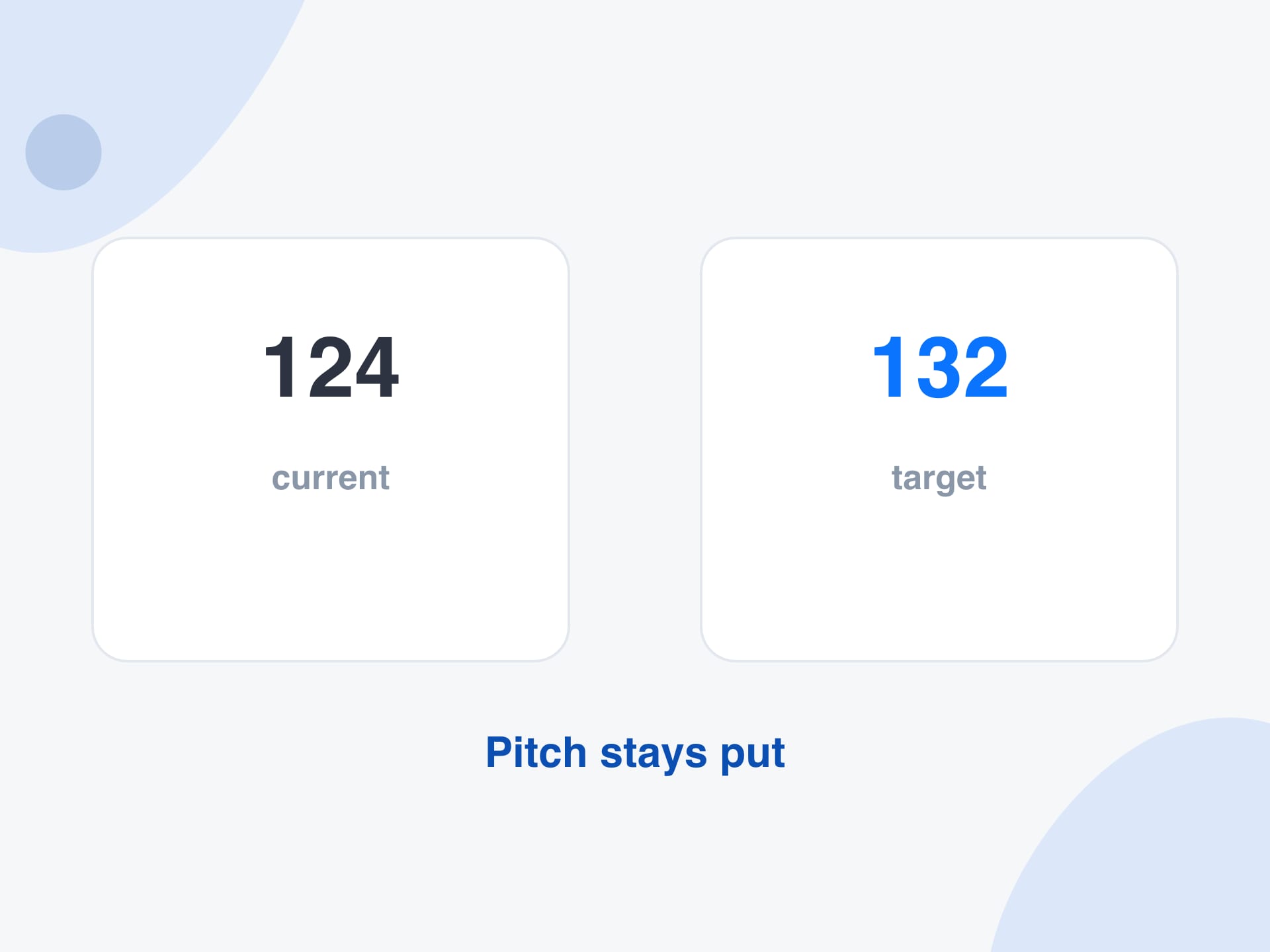
Correct the current BPM if the guess is an octave off, then type the target. The BPM changer shows how many percent faster or slower that is. Half speed to double speed is the range it will run.
Step 3
The stretch takes a moment on the device. Play the result. If it sits in the new tempo, download the WAV and put it in the session or the set.
Why use it
The job is a new tempo in the same key, as a file you can take with you.
A part at 160 BPM can come down toward 120 BPM for practice and the notes stay in the same key. You do not have to retune to follow a slowed vocal.
A break at 96 BPM can move to 124 BPM, within double speed, so it lines up with the track you are building. Small moves, under about 10 percent, stay the cleanest.
You get audio out, not a DAW session. Open the WAV anywhere that plays or imports audio. The original file on your computer is left as it was.
Decoding and stretching happen on the device. Closing the tab drops the result. Download it if you want to keep it.
Reference
The stretch factor is the target BPM divided by the current BPM. The BPM changer runs from 0.5 to 2, which is half speed to double speed.
| From | To | Speed | What you hear |
|---|---|---|---|
| 120 | 126 | 5% faster | A small nudge. Pitch stays. |
| 124 | 132 | 6.5% faster | A DJ-style push. Usually clean. |
| 140 | 120 | 14% slower | Clear slowdown. Check the snare. |
| 160 | 100 | 37% slower | Useful for practice. Transients soften. |
| 100 | 200 | Double | The outside edge. Expect some smear. |
| 90 | 40 | Refused | Slower than half speed. Do it in two passes. |
Limits and tips
Use cases
Practice, fitting a loop, and hearing a tempo push before you commit to it.
Slowing a recording to a practice tempo without dropping the key, using the BPM changer instead of a tape-speed control.
Input: A chorus at 150 BPM that you want nearer 110
Setting: Drop the file, confirm 150, set the target to 110, and play
Output: A WAV at 110 BPM in the original key
Caveat: 110 / 150 is inside the allowed range. A drop from 180 to 70 is not, so split that into two passes.
Moving a sample onto the session tempo so it can be dropped on the grid.
Input: A two-bar loop at 100 BPM and a session at 120
Setting: Set current 100 and target 120, then download
Output: The loop 20% faster, pitch unchanged
Caveat: Trim silence off the loop first, or the bars will not land on the grid even at the right BPM.
Hearing a track a few BPM faster before deciding to play it that way.
Input: A track read at 124 BPM, tried at 128
Setting: Leave the detected tempo, set 128, and play in the browser
Output: About 3% faster with the key held
Caveat: This is a rendered file, not a live jog wheel. Render again if you change your mind.
Giving a student the same recording at a calmer tempo.
Input: A piece at 132 BPM
Setting: Target 100 BPM and download the WAV
Output: A practice file the student can play along with
Caveat: Fast ornaments and picked attacks soften as the stretch grows. Say so when you send it.
More tools
Each one runs in your browser too, so you can move from one job to the next without uploading anything.
Read the tempo and key of a song before you decide on a new tempo.
Turn the new tempo into delay times in milliseconds.
See the percentage and the pitch shift you would get if you changed speed without stretching.
Tap a tempo when the file is not on this computer and you still need a number.
FAQ
Drop the song in, check the tempo the BPM changer reads, and type the BPM you want. The BPM changer stretches the audio so the new tempo plays at the original pitch. Play the result, then download the WAV if you want to keep it.
Not in the BPM changer. A plain speed change would raise the pitch when you go faster and lower it when you go slower. The BPM changer overlap-adds short slices so the notes stay put while the timing moves. The BPM calculator shows the pitch shift of a speed change without stretching.
From half speed to double speed. A song at 100 BPM can go from 50 to 200 BPM in one pass. Beyond that, run it twice. Changes of a few percent stay closest to the original. Big slows and big speeds soften drums and picked notes.
Edit the current BPM before you stretch. Fast songs are sometimes read at half time, and slow songs at double time. The stretch follows the number in the box, so correct that number and the target will mean what you think it means.
No. The browser decodes the file and a worker on the same device does the stretch. There is no account and no server copy. Download the WAV if you want a file after you close the tab.
A 16-bit WAV at 44.1 kHz. Stereo files stay stereo. The name includes the target BPM. The original file is not overwritten.
A long stereo file, stretched in the browser, needs a lot of memory. Four minutes and 25 MB keeps the tab usable. Trim a long mix to the section you need and drop that clip in.
Not from a link. The BPM changer needs a file you already have, because it does not fetch audio from another service. Save or export a file you are allowed to use, then drop that in.
Small changes usually do. Large ones trade transient detail for a locked pitch, which is the same compromise other time-stretch tools make. If you only needed the percentage and the pitch math, the BPM calculator does that without touching the audio.
The BPM changer changes tempo and holds pitch, so the key stays. It does not transpose. If you also need a new key, do that in an editor after you download the WAV, or use the key finder first to see the key you are starting from.
Yes, in a current browser that can decode the file. A phone has less memory, so a short clip is safer than a full mix. If the stretch stops early, use a desktop browser or a shorter file.
Yes. There is no signup, no watermark and no limit on how many files you change, within the length and the half-speed to double-speed range of each file.
Drop a file you already have into the BPM changer. Set the target tempo, play it, and download the WAV if you want to keep it.
Change a BPMYour feedback helps us make SongBPMFinder.com better.

Thank you for your feedback